CoderDocs Security - How to Block Malicious Sites
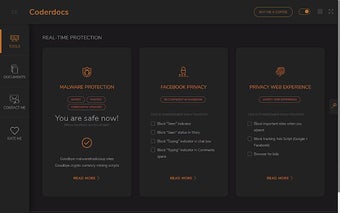
CoderDocs Security is a Chrome extension that checks and detects websites that are known for hosting malware.
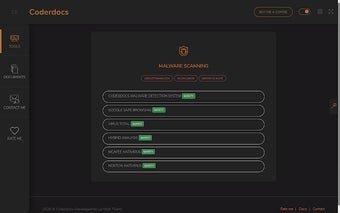
Install CoderDocs Security and set your browser's home page to CoderDocs Security. It will scan all your current browsing sessions and check if there are malicious sites on the Internet. You can choose to block any site by a single click.
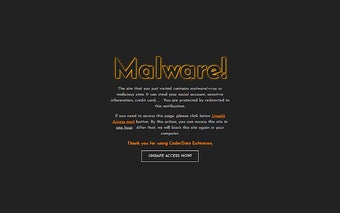
The next step is to click on Block Malicious Sites. If you choose to enable it, it will block all sites that are known for hosting malware. You will not be able to access any malicious websites even if you go to their URLs.
The last step is to unblock the sites you want to use. To do that, first click on CoderDocs Website Security (Unblock Website) button. Then you will be able to use them.
You can see all blocked URLs on the main page of CoderDocs Website Security. To unblock any site, just click the button for it and enter the URL to the address bar of your browser.
After unblocking, you will not be shown the same list of URLs on the main page.